A guide to using Web3 Wallet for Beginners
Web3 wallets have become an essential part of the adoption of and conversation around web3 and are here to stay. Unlike traditional digital wallets, Web3 wallets enable users to have complete control over their cryptocurrencies, NFTs, and interactions with decentralized applications (dApps). Understanding how to safely configure and use a Web3 wallet is important as that enables citizens to participate confidently in the emerging digital economy.
Step 1: Choose a Reliable Web3 Wallet
Credits: Metamask
Popular wallets, such as MetaMask, Phantom wallet, or Trust Wallet, provide very easy-to-use interfaces along with high levels of security. For beginners, MetaMask is highly preferred as it works with multiple blockchain networks and makes it easy to extend to most dApps.
Step 2: Download and Install
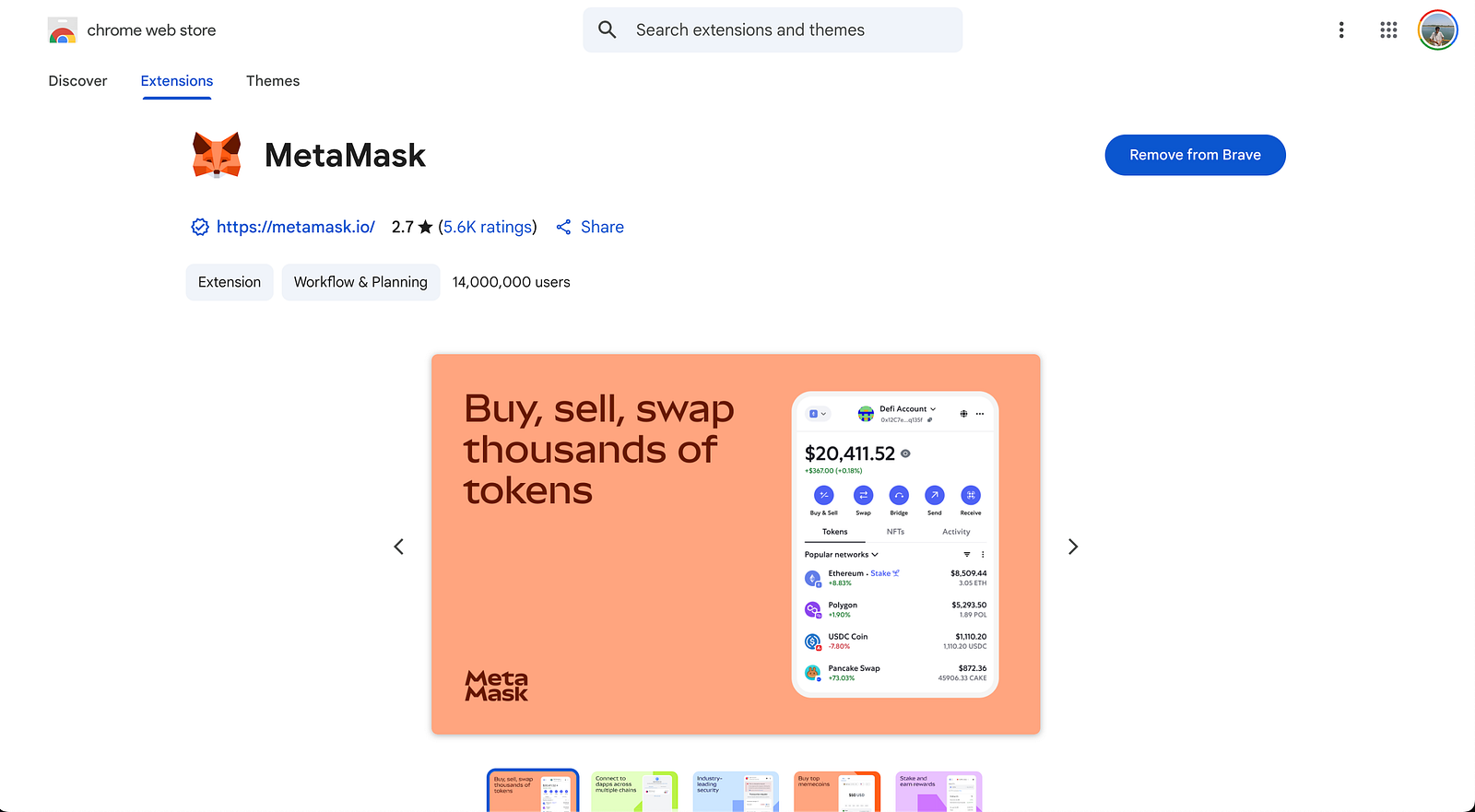
You may install MetaMask as browser extension or as a mobile application Download MetaMask from official sources only: the official website of MetaMask or the trusted app stores Avoid scopia or phishing Downloading MetaMask from web source are others than MetaMask official website.
Step 3: Create a New Wallet
After installation, you should create a new wallet by setting your password which should be strong. You will have a unique set of 12 to 24 words, a seed phrase, in the wallet which can be used as your backup. Write this phrase down carefully and save it OFFline because this is the only way to recover your wallet (if you lose access to it).
Step 4: Secure Your Wallet
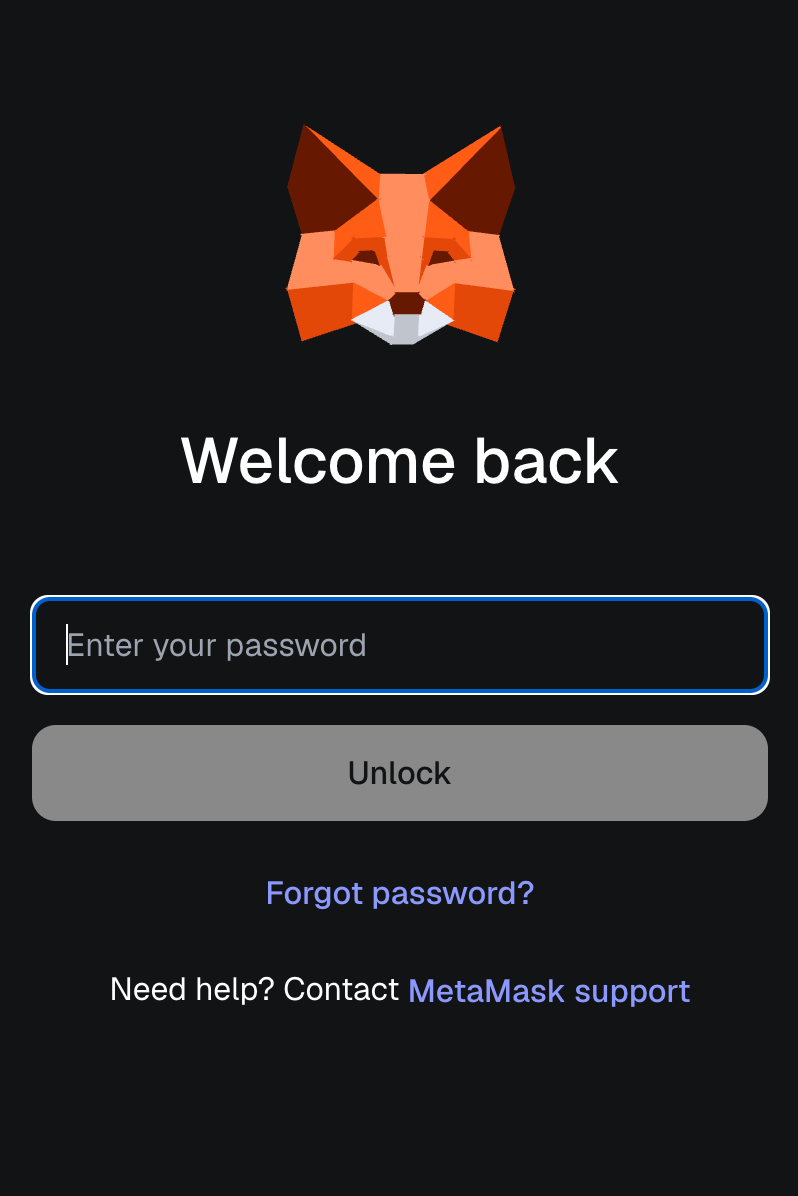
You should never share your seed phrase or private key online or with anyone. Anyone who has access has control of your assets. Enable extra security functions such as biometric authentication, or PINs if available.
Step 5: Receive Cryptocurrency
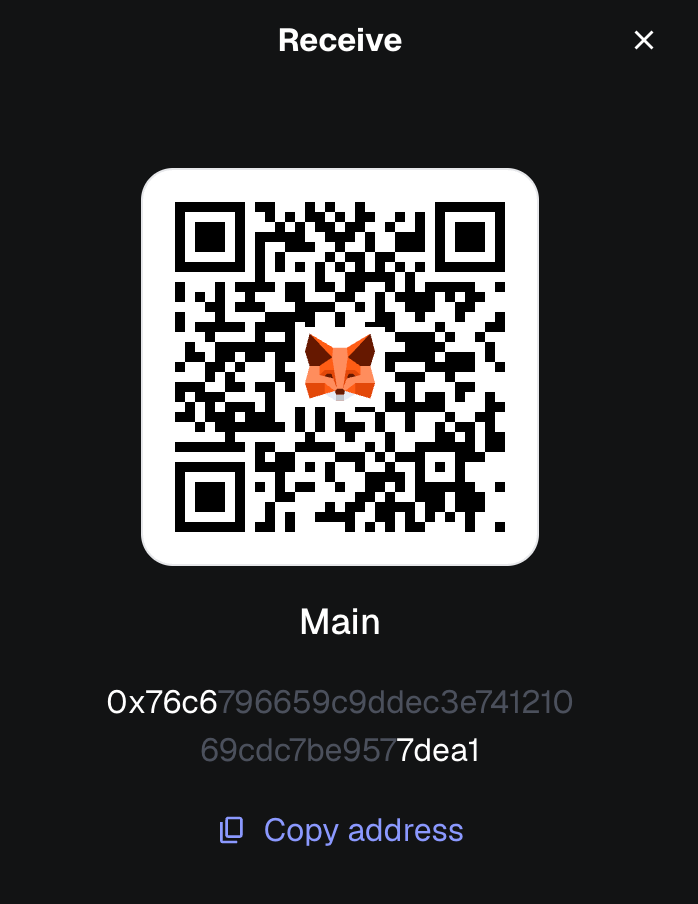
To receive crypto, you must receive and paste your public wallet address to the sender. The address is something similar to your account number in the blockchain. Most wallets have a QR code so that you can easily scan it.
Step 6: Sending Cryptocurrency and Using dApps
When sending crypto, write the address of the receiver, carefully. Blockchain transactions are irreversible, be sure to double check the address and amount. Your wallet will ask for your confirmation and your signature for the transaction using your private key. Also, connect your wallet to dApps. kindly click on the “Connect Wallet” button and you are able to trade, play games or access DeFi services in a secure manner
Tips & Common Mistakes to Avoid
• Keep your seed phrase offline and private. Avoid storing it digitally at places that are vulnerable to hacks.
• Only download wallets from official sources. Fake apps can steal your assets.
• Double-check addresses carefully before sending crypto. Mistakes are permanent.
• Regularly update wallet app to ensure latest security
Conclusion
Mastering a Web3 wallet opens up doors to an exciting decentralized digital world, but with responsibility in security and usage are of the utmost importance. By following these steps, anyone can start into their Web3 journey with full confident knowledge while protecting their assets.